Thinage App Icon

Thinage Ultra-Lightweight Native macOS Image Compressor đŸĻ†

An elegant, high-efficiency native image optimizer designed exclusively for macOS. Built with MozJPEG, pngquant, WebP, and hardware-accelerated AVIF engines, Thinage shrinks files up to 90% while maintaining pixel-perfect fidelity, GPS metadata, and wide-color profiles.
macOS 14.0+ Native Universal Binary (Intel & M-Series) 100% Offline & Private
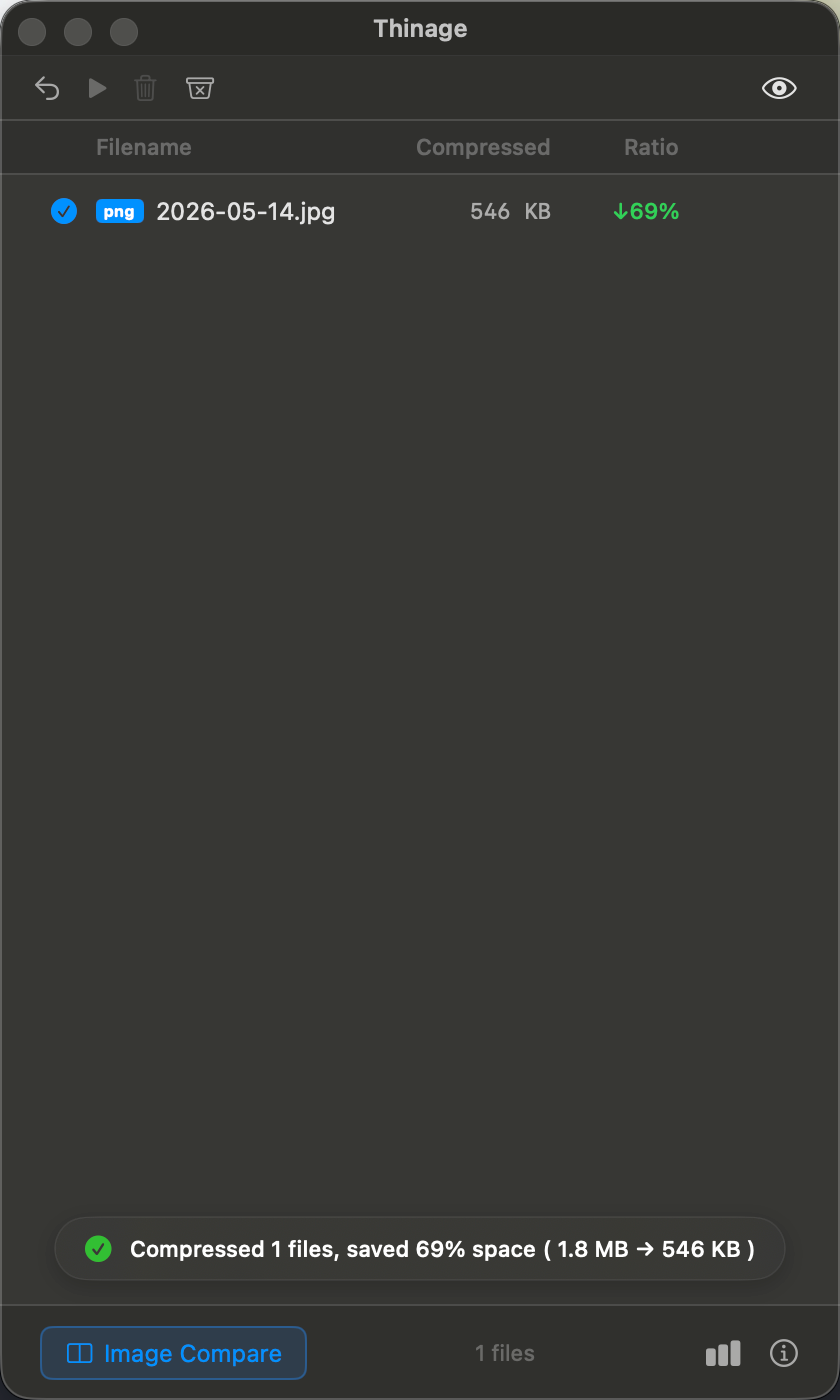
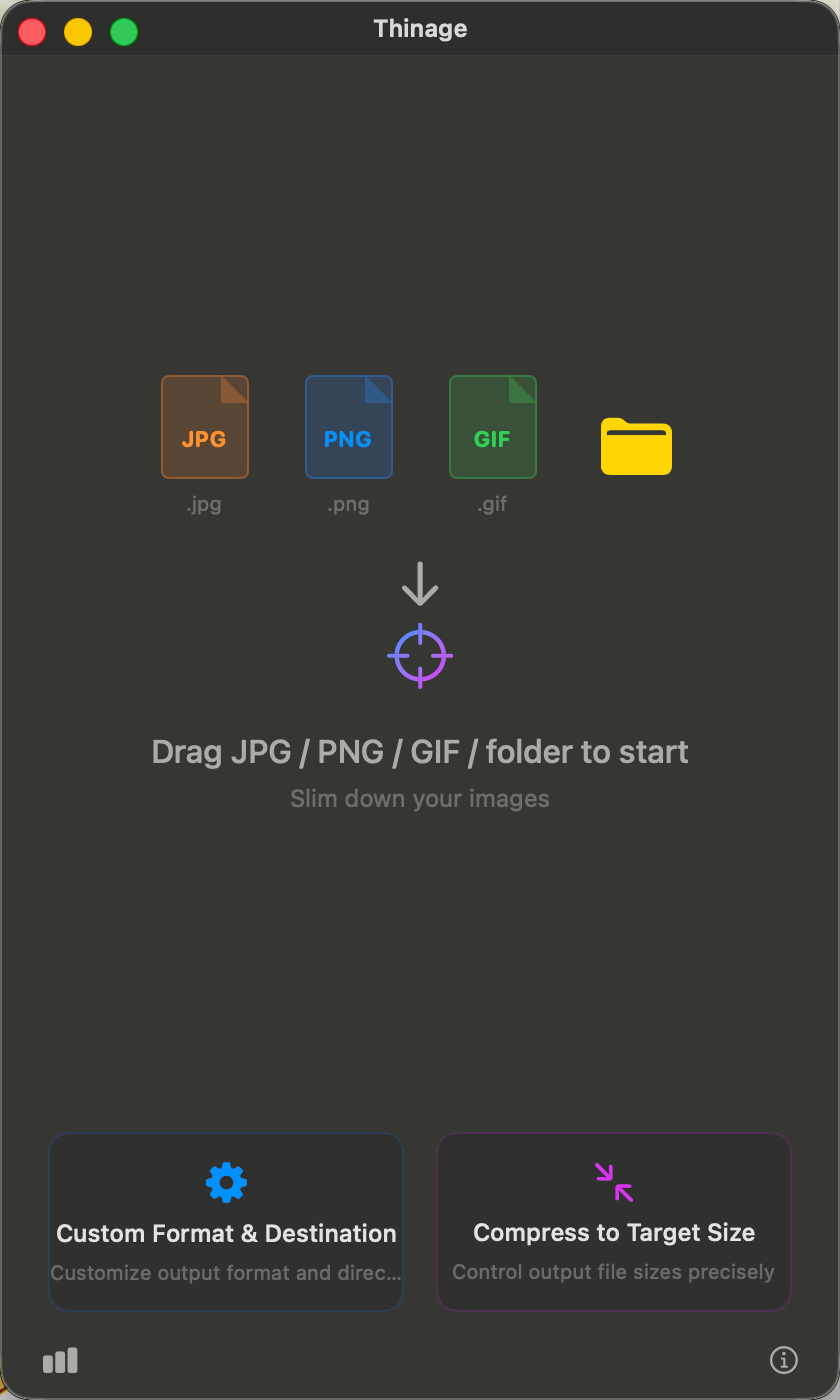
Thinage - Drag & Drop
Thinage Main Window
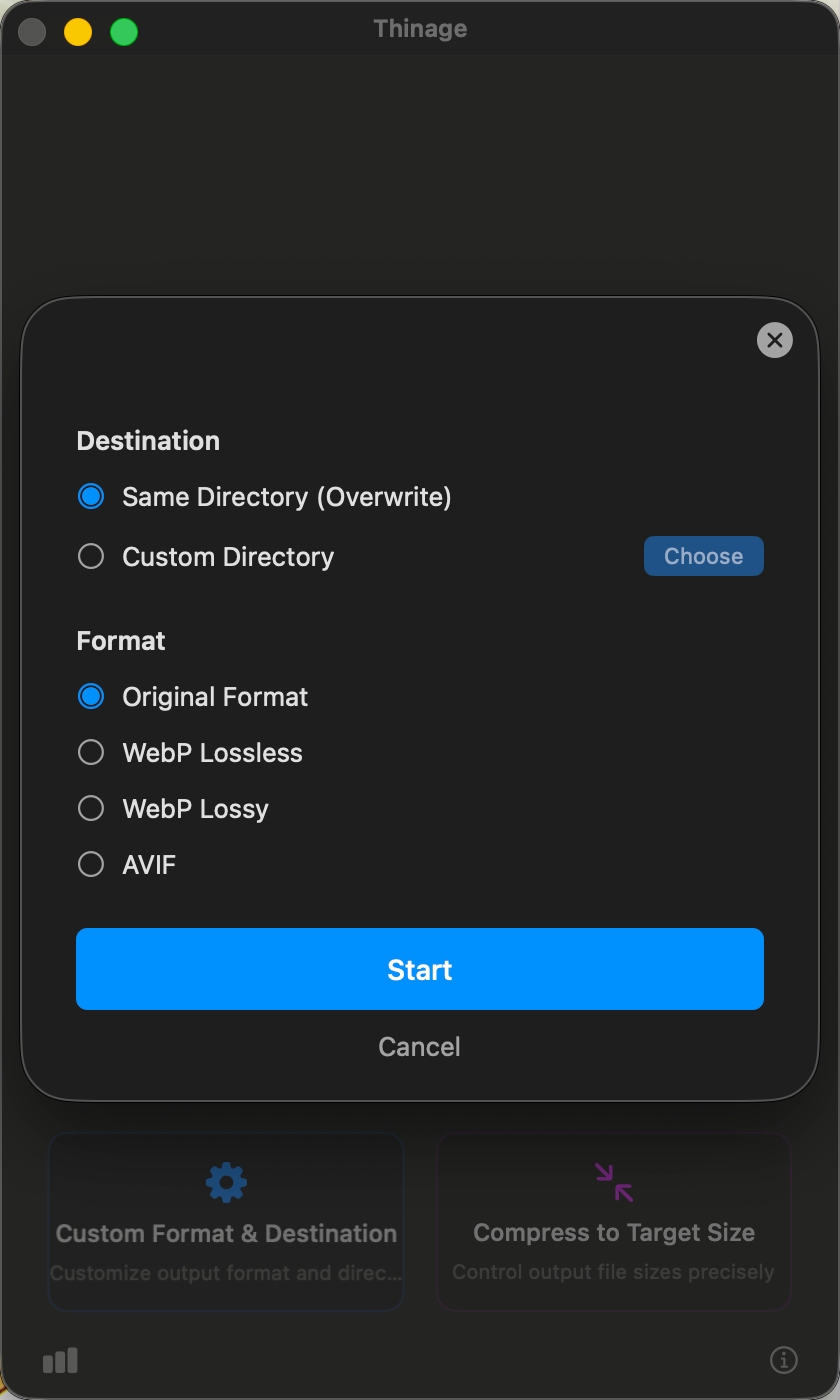
Preferences
Thinage Custom Settings
Queue
Thinage Queue List

Engineered Exclusively for macOS

Skip the sluggishness of Electron wrappers. Thinage is crafted with pure native APIs, delivering instant responses, micro-amplitudinal spring animations, and extreme energy efficiency.

⚡ Advanced Multi-Engines

Powered by MozJPEG, pngquant, WebP, and macOS hardware-accelerated AVIF. Deep quality search guarantees optimized sizes with maximum visual clarity.

🔗 Finder Integration

Integrates directly with Finder's Quick Actions and Services context menu. Select files in Finder and compress them silently in the background with one click.

đŸŽ¯ Target Size Matching

Specify any target threshold (e.g. ≤ 200KB). Thinage dynamically evaluates parameters using binary search algorithms to hit the exact output boundary.

đŸ›Ąī¸ Color Profile & EXIF Retention

Re-injects wide-color profiles (Display P3, Adobe RGB) and EXIF/GPS tags. Colors remain vibrant and rotation matrices stay perfectly upright.

🔍 Interactive Metal Slider

Examine pixel-level variations inside a dual-pane comparison window. Powered by Metal rendering pipeline for lag-free synchronized zooming.

📊 Savings Dashboard

Track cumulative storage savings with native Swift Charts. Provides breakdowns by file type and a 7-day trend visualization.

Visually Indistinguishable. 90% Smaller.

Drag the slider below to compare the original file and compressed output. Colors, textures, and details remain completely identical.
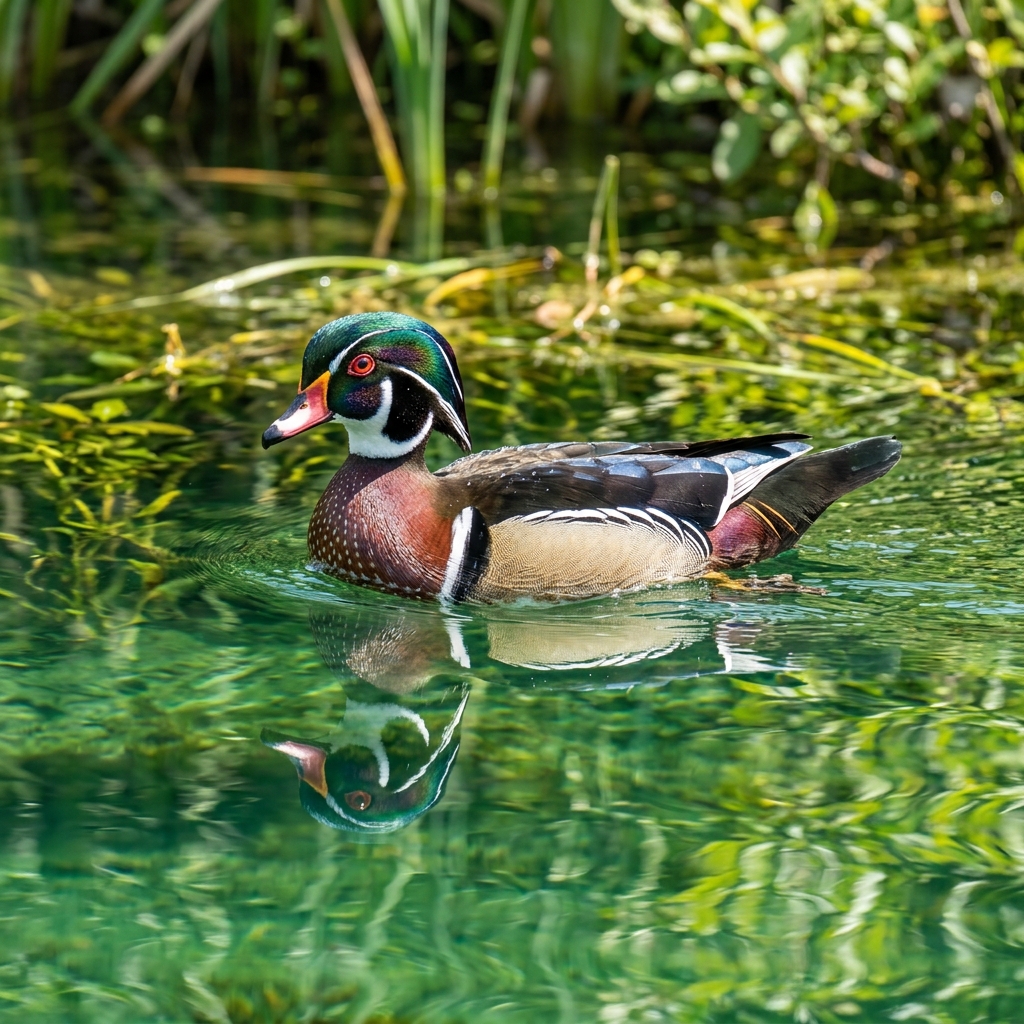
Original Image Compressed Image
Original (PNG) (4.2 MB) Thinage AVIF (420 KB)
Original Size 4.2 MB
Compressed Size 420 KB
Space Saved 90%

Designed to Feel Like Home

Every corner is crafted using SwiftUI's high-vibrancy materials, paired with elastic bounce interactions to make compression satisfying.
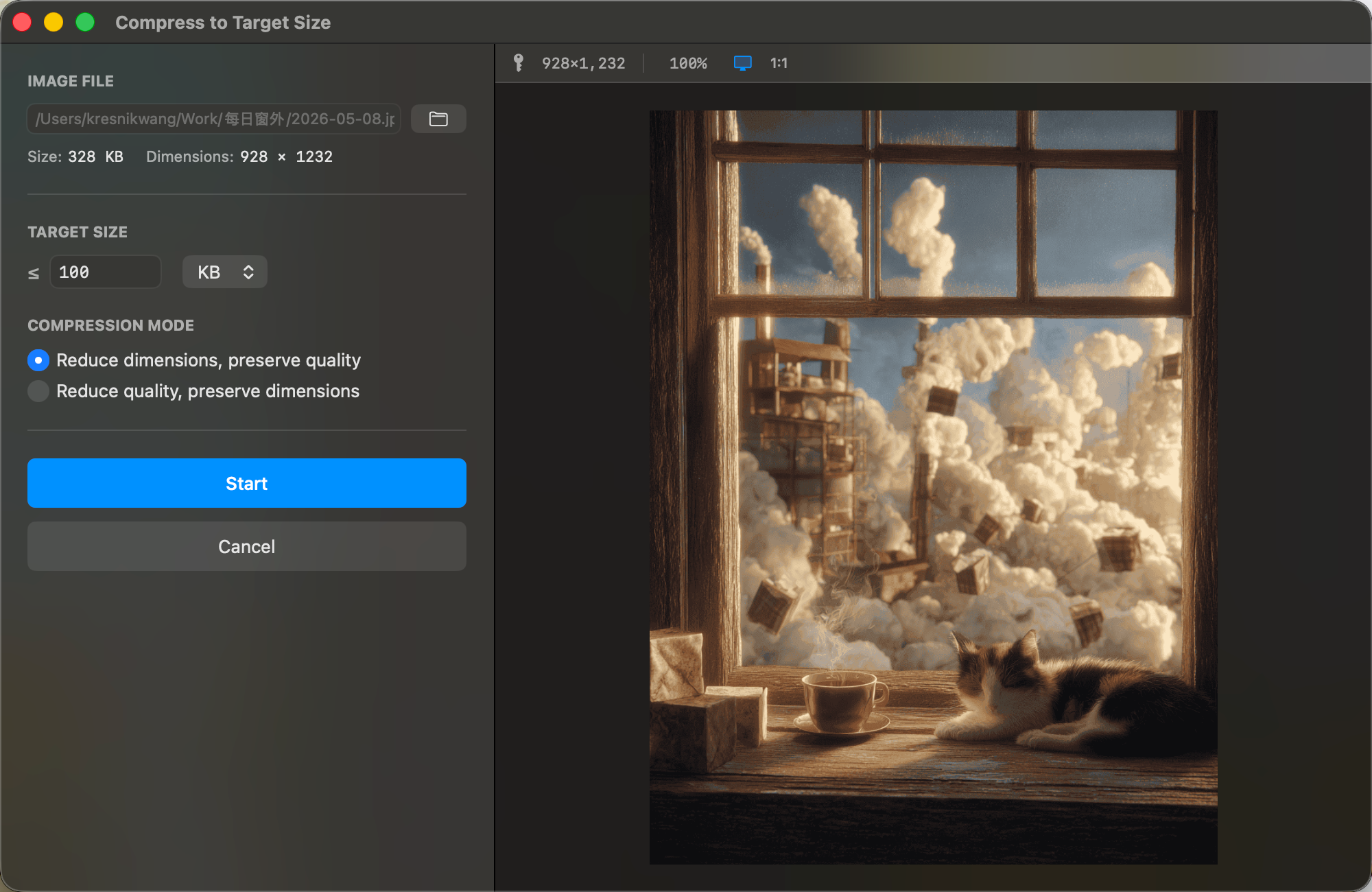
Thinage Drop Zone View
Thinage Settings View
Thinage Target Size View
Thinage Queue list View

Native Swift vs. Electron Wrappers

We built Thinage because we were tired of bloated 300MB apps, lagging startups, high RAM usage, and runaway CPU heating on Apple Silicon.

Core Performance Comparison

Cold Startup Speed Lower is faster ⚡
Time from double-clicking the app icon to window rendering
Thinage (Native)
< 0.05 s
Electron Wrappers
2.30 s
Active Memory Footprint Lower is lighter 🍃
Idle RAM usage of the application process
Thinage (Native)
38 MB
Electron Wrappers
342 MB
Thermal Energy Efficiency Lower is cooler 🧊
Processor load and fan wakeups while compressing 100 images
Thinage (Native)
Ultra-Low / Fanless
Electron Wrappers
High CPU / Fan Activation

Frequently Asked Questions

Everything you need to know about the compression mechanics, data privacy, and settings in Thinage.

No, absolutely not. Thinage is 100% offline. Every aspect of image quantization, multi-engine conversions, metadata manipulation, and rendering is executed directly on your Mac. No internet connection is ever required, ensuring complete data security.
Most compression software strips wide-color profiles (Display P3, Adobe RGB) to save minor bytes, resulting in washed-out colors on modern displays. Thinage automatically extracts and re-injects ICC color maps and camera parameters (EXIF rotation matrices, GPS coordinates) into compressed copies, preserving true-to-life vibrancy.
Yes. While Thinage defaults to in-place overwrites to streamline workflow, it copies original files to a secure system temporary backup directory first. Simply press `Cmd + Z` or click "Undo" in the task queue list to restore originals at any time.
Unlike traditional optimizers that require manual trial-and-error quality adjustments, Thinage employs a binary search algorithm. When you enter a target size (e.g. 100KB), the app dynamically tests parameter settings (resolution scaling or quantization quality) in parallel, selecting the gold-standard threshold automatically.

Privacy Policy

Last Updated: May 27, 2026

This Privacy Policy applies to the Thinage application (hereinafter referred to as "the App") for macOS.

1. Data Collection and Usage

Thinage is a fully local utility tool. We respect your privacy and are committed to protecting it:

  • No Personal Information Collected: The App does not collect, request, or store any personal data, contact details, or device identifiers.
  • Local Image Processing: All image processing (including file format detection, compression, scaling, quality adjustments, and metadata injection) is performed strictly on your local macOS device. No images or files are ever transmitted to remote servers or third parties.
  • No Analytics or Tracking: The App does not integrate any third-party software development kits (SDKs), advertising networks, analytics tracking tools, or telemetry services.

2. Permissions Used

To function properly within the macOS App Sandbox, the App requests the following standard system permissions:

  • User-Selected File Read/Write Access: Required solely to open the images you drag into the interface or select via file dialogs, and to save the optimized versions to your chosen directory.

3. Contact Us

If you have any questions or feedback regarding this Privacy Policy, please contact us at: